
I built the report every MSP owner wishes their PSA gave them. Now you can run it.
Turn any Autotask, ConnectWise, or Halo export into a capacity, utilization, and revenue-leakage report — in your browser, in under five minutes.
Works with every major PSA — no integration, no login
Three steps. No spreadsheets. No integrations.
Drop your export
Any PSA. Any format. XLSX or CSV. The file never leaves your browser — zero uploads, zero storage.
Auto-map & normalize
We fingerprint the schema, map the fields, and derive durations when logged time is missing. Noise tickets excluded by default.
Get the report
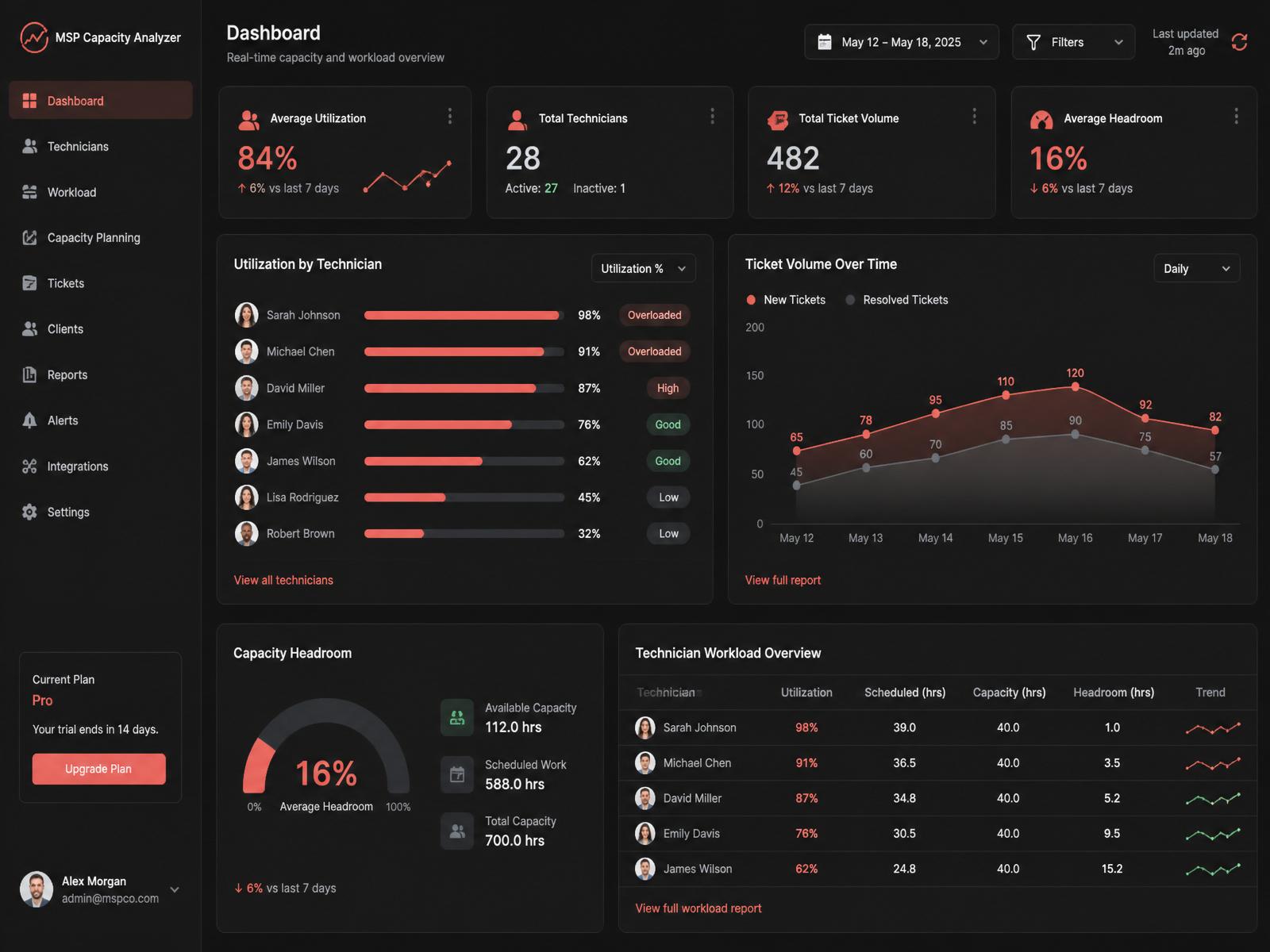
Utilization, headroom, revenue leakage, per-tech load, per-client mix. Print, PDF, or Word — client-ready in one click.
What comes out the other side.
From raw PSA dump to a boardroom-ready capacity report — no spreadsheet gymnastics.
The line between profitable and burnout. See exactly where every tech sits against it.
Untracked billable hours surfaced per 10 techs — every month you weren't looking.
Browser-only
Data never leaves your machine. Nothing uploaded, nothing stored.
PSA-agnostic
Field-mapping engine auto-detects Autotask, ConnectWise, Halo, and more.
Revenue-aware
Leakage, mix, and per-client margin baked in — not just ticket counts.
Client-ready
Export to PDF or Word with your company branding in one click.
What MSP owners are saying.
"I ran three months of Autotask through it during a client review and had a defensible hiring case in under ten minutes. It replaced a $4k consulting deliverable."
"The revenue leakage number alone paid for a year of the tool. We restructured our T&M billing the same week."
"Finally something that speaks MSP without needing a data engineer. My ops manager runs it herself every Monday."
Straight answers.
Does my data leave the browser?+
No. Parsing, normalization, and reporting all run client-side. There is no server call, no account, no upload.
Which PSAs are supported?+
Any PSA that can export tickets to XLSX or CSV. We ship auto-mappers for Autotask, ConnectWise, Halo, Kaseya BMS, SuperOps, Syncro, and Atera, and gracefully degrade on unknown schemas.
What if my export is missing logged time?+
The engine derives duration from created/resolved timestamps and caps at a business day so estimates don't blow out. You'll see a data-quality note on the report.
Can I white-label the output?+
Yes. Set your company name, rate, and cost in Step 2 — the printed report and Word export use them throughout.
Run the report your PSA should have given you.
No signup. No integration. Drop your export and see the numbers.
Analyze My PSA Export